Define the request
Give the form one primary purpose, such as an application, registration, or service enquiry. Use distinct categories when the request needs to reach different owners.
RapidoForm templates
Browse forms, surveys, quizzes, and polls. See the design, choose a template, then make every detail your own.
A growing collection of ready-to-customize templates
Explore the collection
Search by name or topic, or narrow the collection by template type and category.
Template collection
Business forms
The event starts with the invitation—set the tone for your business event
Business forms
Manage consent forms for patch tests through a slick,
Business forms
Go the extra mile for your employees with this friendly reimbursement form.
Business forms
Where to, Miss? To the stars?
Business forms
Spend more time showing houses, and less time updating spreadsheets
Business forms
No more looking for that file that wasn’t attached as promised.
Business forms
Want to attract more members?
Business forms
Use an online form to get more customers for your office cleaning services
Business forms
Skip the paperwork and use an online form to gather information about your guests for their stay
Business forms
Provide a relaxing experience right from the first interaction,
Business forms
A friendly contact form—looks great on your site
Business forms
Sell products and vouchers online with a custom order form
Business forms
Onboard and retain customers with a customer onboarding form
Business forms
Beautiful, functional, and conversational.
Business forms
Send out quick quotes for your insurance company.
Business forms
Collect information on auditionees,
Business forms
Get more leads—looks great on any device
For Business operations teams
Start with the person who will handle the submission. Ask for the context they need to take the next step and remove fields that do not support the process.
Give the form one primary purpose, such as an application, registration, or service enquiry. Use distinct categories when the request needs to reach different owners.
Allow a short explanation when the standard choices do not fit. Test optional fields and conditional paths so unusual requests still reach a sensible ending.
Check the response destination, acknowledgement, and review responsibility. A received request is not an approval; make that distinction clear in the confirmation.
Go deeper than a text box. Add audio and video questions to your forms and surveys, so people can explain an experience in their own words.
Collect spoken feedback, or pair a rating or choice with an audio explanation.
Explore audio questionsCollect video answers for customer stories, introductions, and qualitative research.
Explore video questionsRecording and storage allowances vary by plan. Compare plans →
Inside RapidoForm
Explore a real sample feedback form in the RapidoForm editor. The same question, theme, and preview controls help you turn your team's use case into a form people can answer.
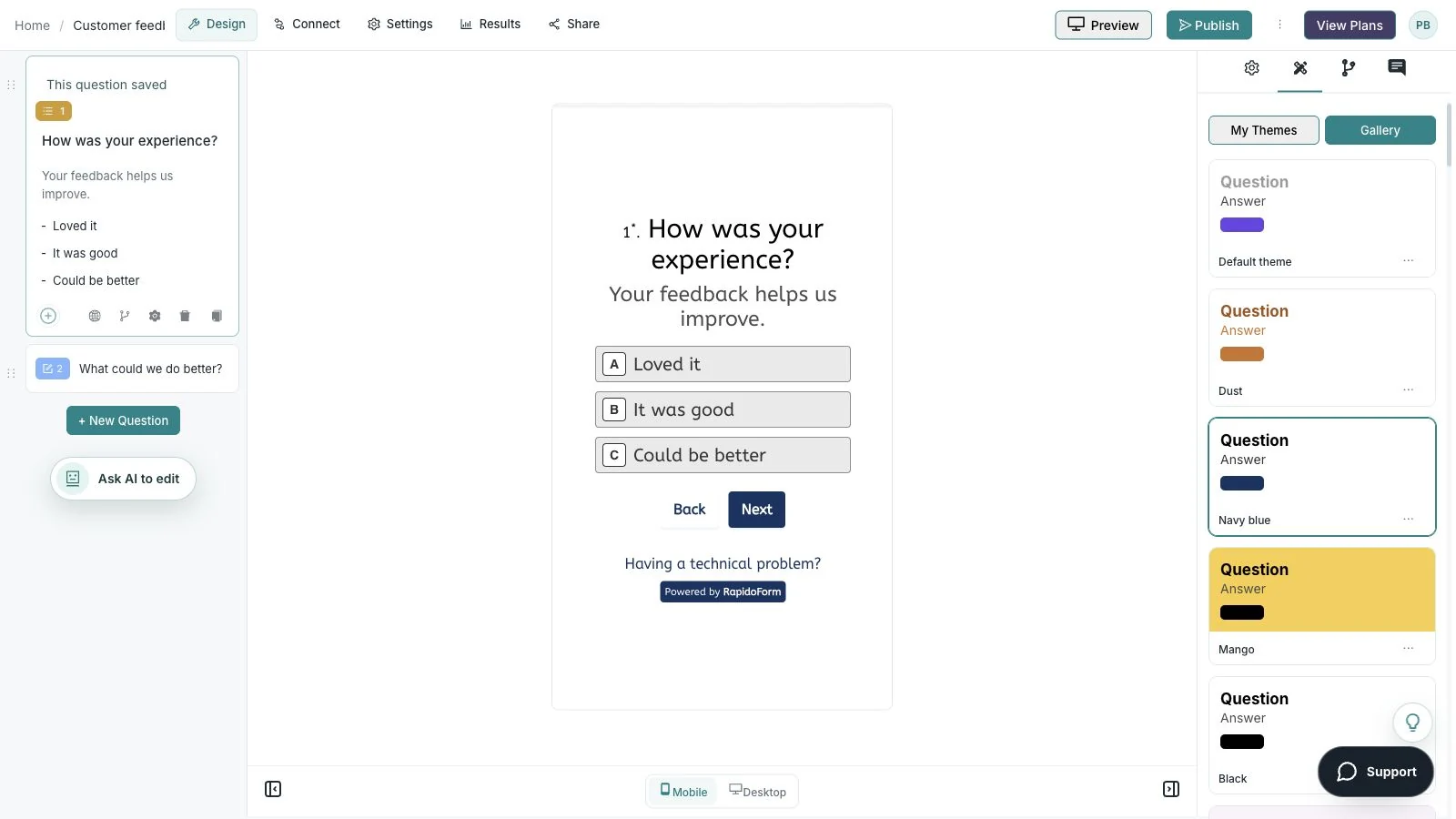
Showing: Check the mobile view. Screens use sample content. Feature availability varies by plan.
A quick look around
Choose a question, edit the answers, explore themes, and switch to the mobile preview.
A silent guided sequence of real builder screens, using a sample feedback form.
Try the builder for free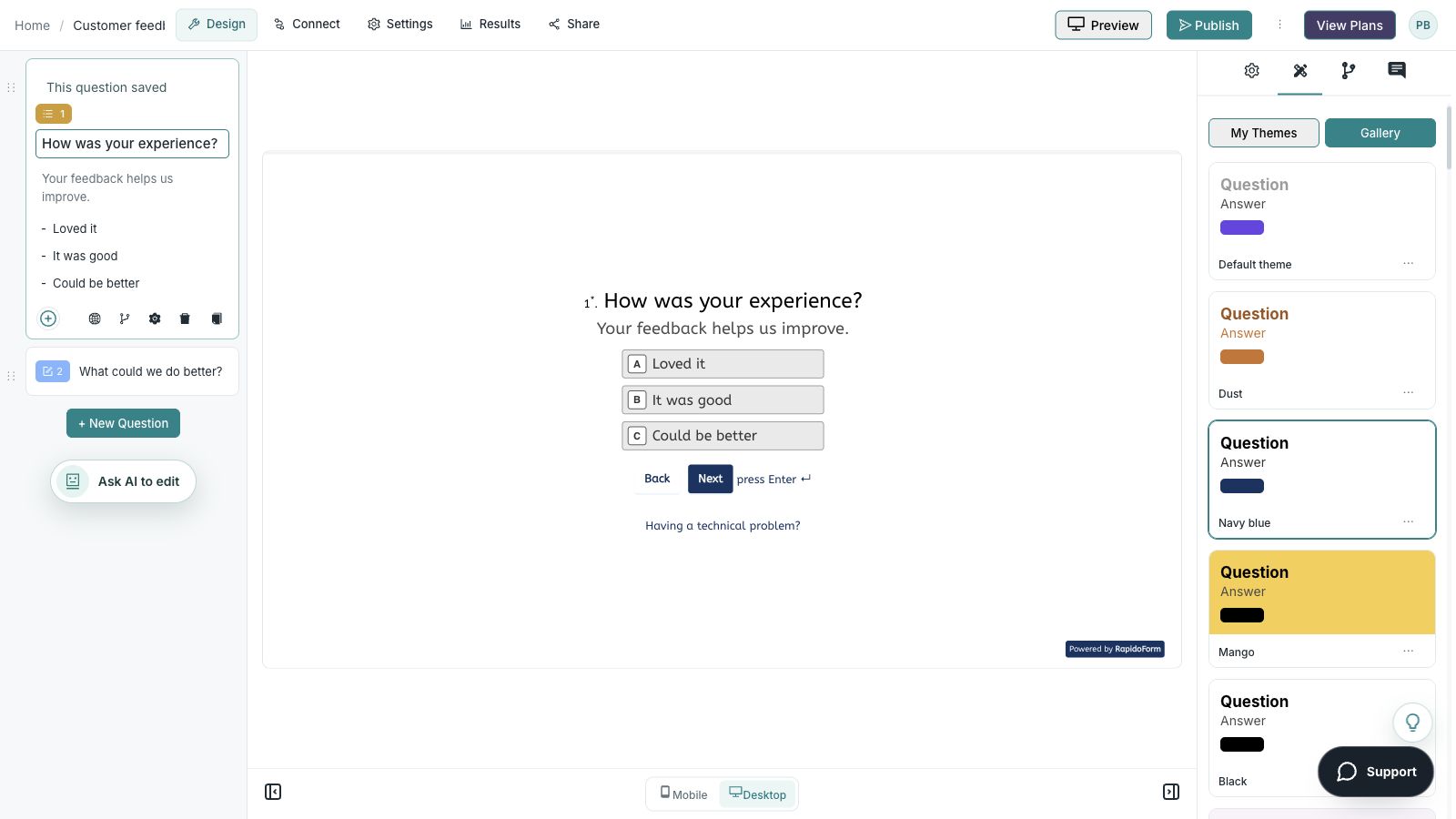
Picture the possibility
A growing team receives requests through several channels. A focused business form gives requesters a consistent place to start and reviewers enough context to prepare the next action.

Put the idea into practice
Give a team enough context to choose and own the next action.
Example introduction
Use this form to tell us what needs to happen and why. The team will review the request and confirm the next step.
An application / A service request / A general enquiry
Use categories that match actual review responsibilities.
The goal and relevant context.
Help the reviewer understand the result rather than just the task label.
The information needed to respond to this request.
Keep contact collection tied to the process.
Who this is for
People submitting a recurring operational request.
How the path works
Show the additional details appropriate to the selected request type. Give an unusual request a complete exception path.
Example ending
“Your request has been received. It will be reviewed by the responsible team; receipt does not mean the request has been approved.”
Illustrative setup. Adapt the wording and behavior to your audience.
After the first response
Give the answers a clear review process and keep the next step connected to the purpose of the form.
Use the request category and goal to identify an owner.
Improve a confusing question when the same clarification is repeatedly needed.
Update the confirmation when the review or reply process changes.
Make the idea yours
You have the idea. Give it a clear structure, make it feel like your brand, and preview the experience before inviting your audience.
Start free. Explore paid features and limits when your workflow needs them.
A purpose-led introduction, request type, relevant context, and the contact information needed for a reply.